AI portfolios for video editors

A custom portfolio for every recruiter, made with AI

JD Shuffle

Paste a job post. Your best-fit videos jump to the top.

Free to start Set up in 5 minutes No card needed

Templates · live previews

Looks for your portfolio

Open a sample portfolio and click around. Pick a look per showcase, so each client sees the style that fits them. New themes keep arriving.

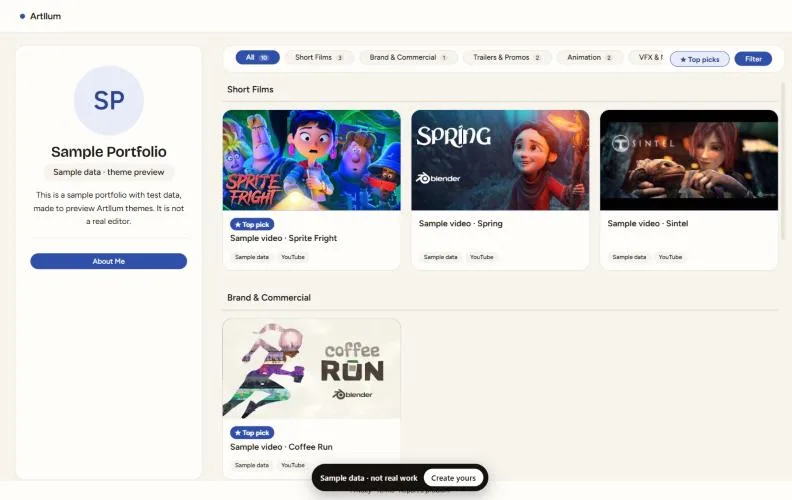
Classic theme, sample portfolio Live preview
ClassicLight and simple, a grid of your workPreview
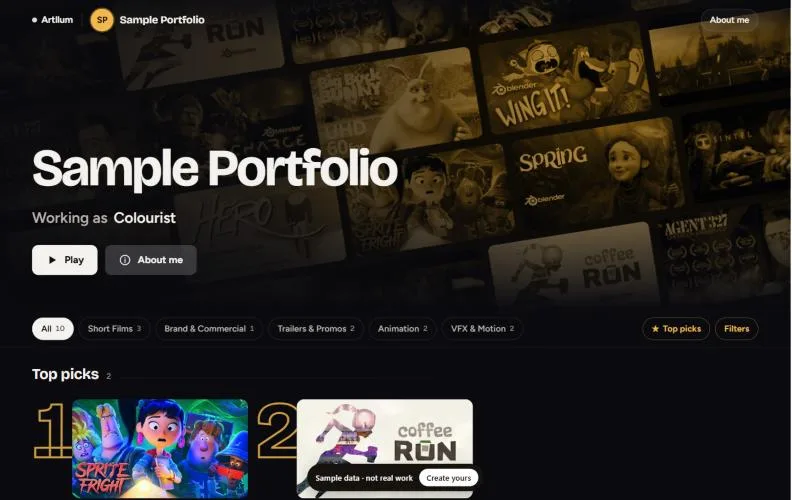
Spotlight theme, sample portfolio Live preview
SpotlightStreaming-style rows with your Top picks rankedPreview
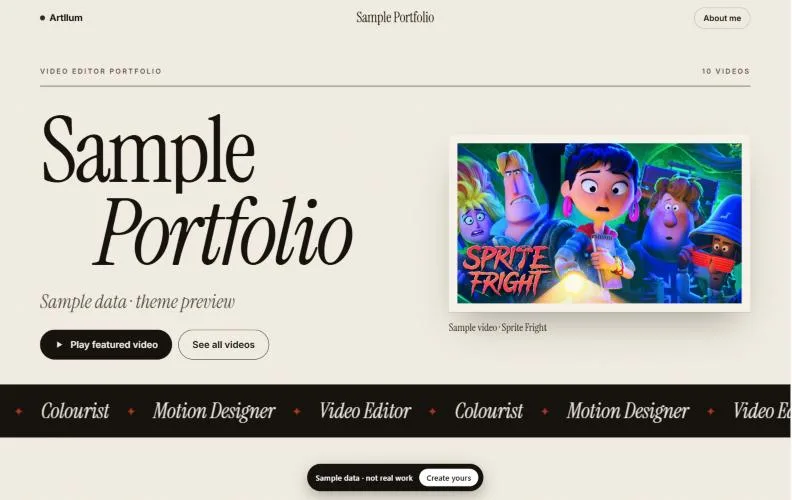
Monograph theme, sample portfolio Live preview
Monograph NewEditorial art-book with your name set largePreview
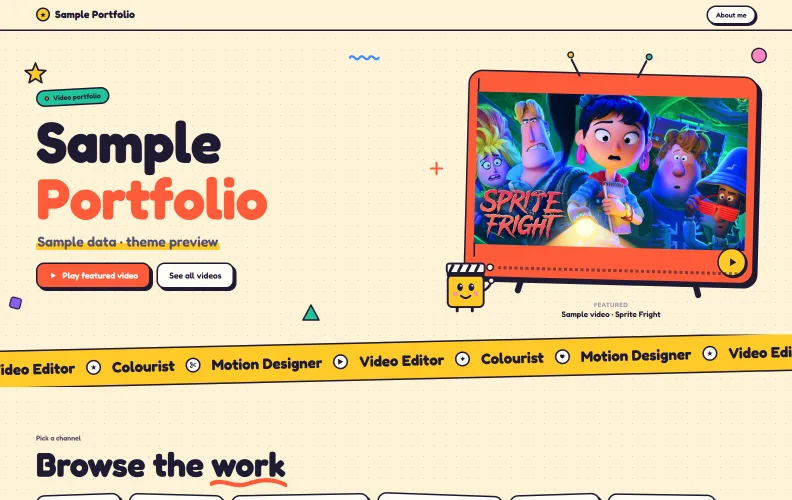
Toon theme, sample portfolio Live preview
Toon NewBouncy cartoon look with bold outlines and stickersPreview
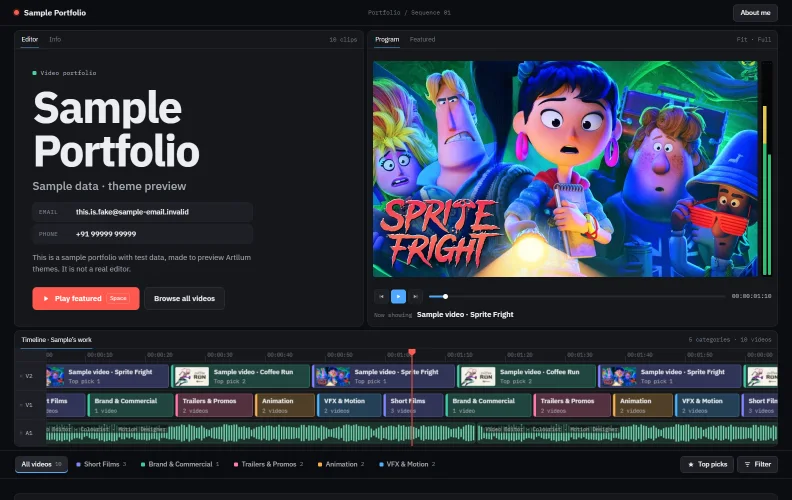
Cutroom theme, sample portfolio Live preview
Cutroom NewYour work laid out like an edit: monitor, timeline and binsPreview
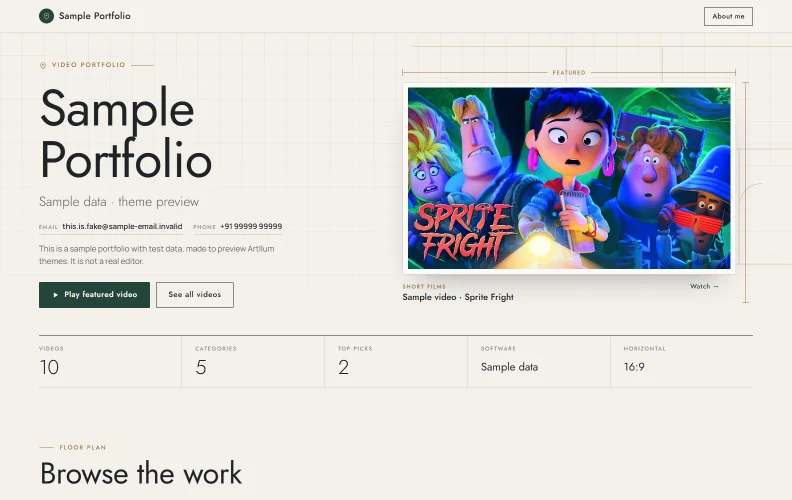
Estate theme, sample portfolio Live preview
Estate NewYour work laid out like a premium property listingPreview

Previews and the screenshots below use a sample portfolio with test data. The videos are open films by Blender Studio (CC BY), not work by an Artllum user.

Features

Make every link count

Simple tools that make the recruiter's job easy, and your work hard to skip.

JD Shuffle

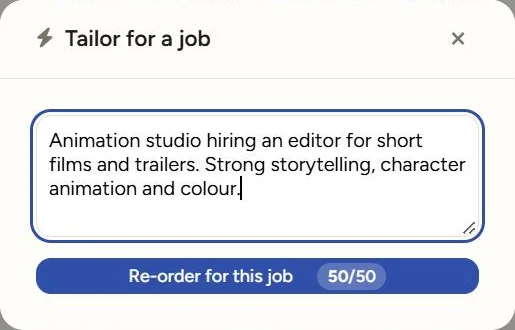
Paste a job post. AI picks your best-fit videos.

AI reads the job post, works out what the recruiter wants and puts your closest matches on top. It takes a few seconds.

  • Works with any job post or client brief
  • Makes a new link, your main portfolio stays the same
  • Tells you why each video moved
JD Shuffle in the Artllum app: a job brief pasted, ready to re-order the portfolio
Top picks

Your best work, front and centre

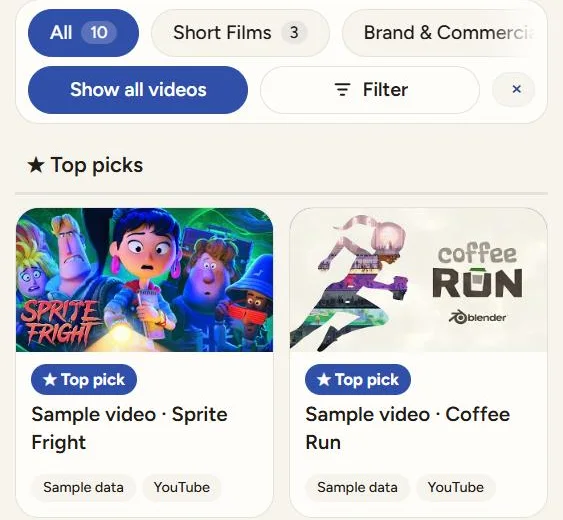
Star the videos you're proudest of. They get a ★ badge, and recruiters can tap "Top picks" to see just those.

A portfolio showing only its Top picks, each with a star badge
Tailored links

A separate link for every recruiter

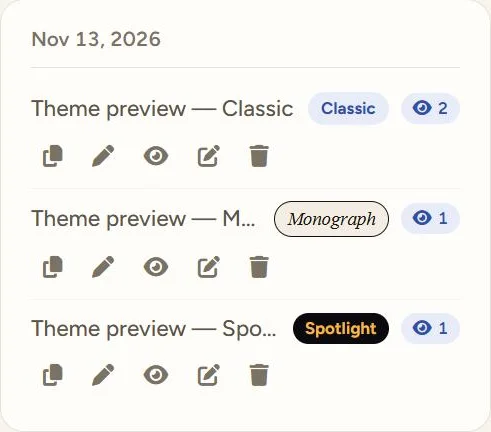
Each link has its own videos and its own look. See how many times it was opened, and edit or delete it anytime.

The Tailored links list: each link with its theme and how many times it was opened
Timestamp highlights

Point them to the good part

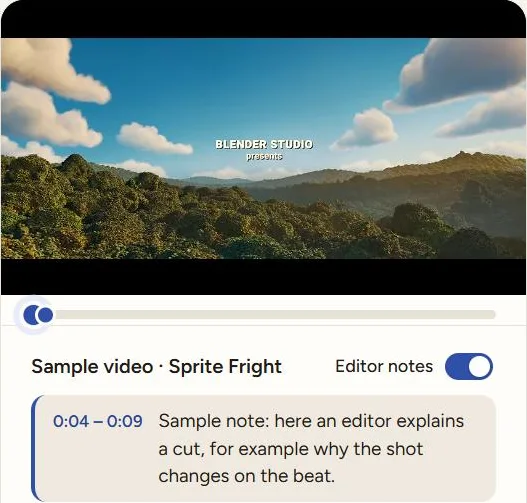
Add timestamps so recruiters jump straight to the transition, the grade or the effect you nailed.

A video playing with an editor note popping up at 0:04 to 0:09
Resume next to the work

Your resume, right next to your work

Add your experience, education and skills once. It shows on every link and saves as a clean PDF.

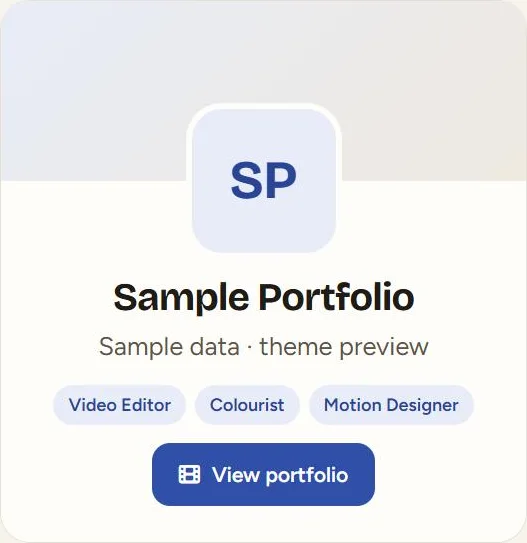
The About me page of a portfolio with name, roles and a View portfolio button
Link previews

Your work shows up before they even click

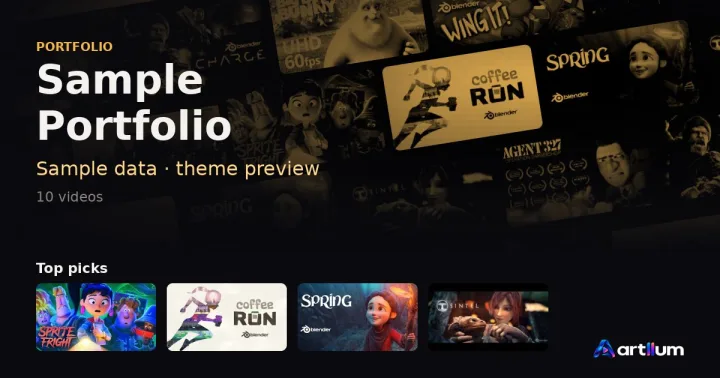
Send your link on WhatsApp, LinkedIn or email and it opens into a preview of your portfolio, right in the chat: your name, your role and your videos, in your theme. No more plain Drive links.

  • Made for you automatically, nothing to set up
  • Each recruiter link shows the videos you picked for it
  • New messages always show your latest work
A Drive link drive.google.com/drive/folders/1xQ…
Your Artllum link Link preview of a sample Artllum portfolio: name, role and a row of videos Sample Portfolio — Video Editor Portfolio artllum.com

How it works

Three steps to a recruiter-ready link

  1. Add your videos

    Paste your YouTube links and tag them by category, tool and platform.

  2. Paste the job post

    AI moves the videos that fit this job to the top.

  3. Send the link

    They see your work right in the chat, and you see when it's opened.

Let your next recruiter see your best video first

Start free with unlimited showcases and 5 JD Shuffles a month. Need more? Buy us a Coffee (₹29) for the Spotlight theme, or an Ice Cream (₹59) for Spotlight and Monograph and Toon and Cutroom and Estate, a month.

Paid plans from ₹29 / month

Create your portfolio

FAQ

Questions editors ask

What is Artllum?

Artllum is a video portfolio made for video editors. Add your YouTube work once, then send every recruiter or client a link made just for them — with your best-fit videos first.

Is it free?

Yes. The Free plan includes 20 videos, the Classic theme, unlimited showcase links and 5 JD Shuffles a month. Paid plans start at ₹29 a month and never renew automatically.

What is JD Shuffle?

Paste a job post or client brief and AI reorders your videos so the most relevant ones come first. It creates a separate link for that job; your main portfolio stays as it is.

Do I upload my video files?

No. You add YouTube links (unlisted links work too). Your videos stay on YouTube and play from there.

Do recruiters need an account to watch?

No. Recruiters just open your link — no sign-up, no app. You can see when a link is opened.

Can I send a different link to each recruiter?

Yes. Make as many showcase links as you like, each with its own order, Top picks, hidden videos and theme.

What do people see when I share a link on WhatsApp?

A preview picture of your portfolio — your name, role and videos in your theme — made automatically for every link.

Can I add notes on my videos?

Yes. Editor notes pop up at the moment you choose, so you can point recruiters to a cut, a grade or an effect you are proud of.

Something else? Ask us — we reply on WhatsApp and email.